Our website relaunch with vibe coding: why we threw Webflow and WordPress overboard
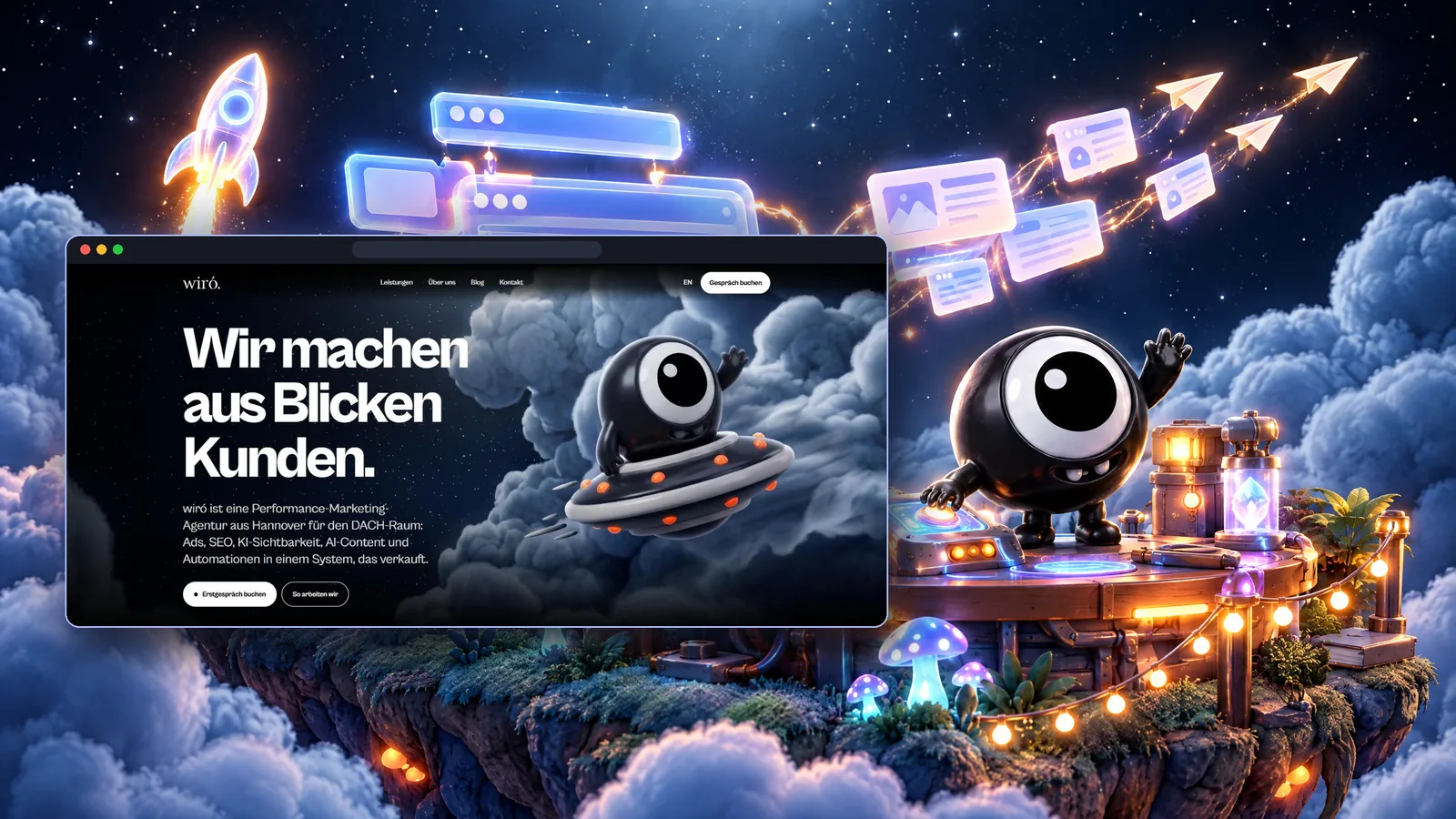
Just in time for Q4, it is here: the new wiro.design. We redesign our site every year, but this time we did not stop at a fresh look. We replaced the whole foundation and threw every website builder overboard: no Webflow, no WordPress with twenty plugins. The site was built 100 percent with vibe coding, without a single line of code written by hand. That includes a blog that fills itself every day and LinkedIn posts that go out automatically.
We rebuilt wiro.design with vibe coding: AI assistants write the code, while we set the direction, design and content and review every result. The outcome is a fast static website with its own content database, built-in AI visibility and an automated blog plus LinkedIn workflow. In our case hosting costs are close to zero, whereas Webflow or managed WordPress would mean monthly platform fees.
What is vibe coding, and how did we use it?
Andrej Karpathy coined the term vibe coding in February 2025. The idea: you describe what you want to an AI, let it write the code, try the result and refine it through conversation. In its purest form you stop looking at the code altogether.
In our case the AI really did write all of the code, using AI coding assistants such as Claude. We still did not trust it blindly. The decisions stayed with us: architecture, design, copy, privacy and every release. Each change was tested before it went live. For us, vibe coding is not an autopilot. It is a very fast developer that needs clear direction.
Why not Webflow or WordPress?
Both are good platforms, and we use Webflow ourselves for other projects. For our own site, though, we had three requirements that a builder would have made expensive or awkward.
First, content in a database that an automation can fill. Our blog publishes new articles every day in German and English, each with its own cover image and a matching LinkedIn post. That needs direct access to the content, not a detour through an editor interface.
Second, full control over everything search engines and AI systems read. Structured data, answer paragraphs, language versions, an llms.txt file for AI assistants and automatic notifications of new pages to Bing and other engines, all implemented exactly the way we think is right.
Third, cost. And this is where it became a no-brainer for us.
The cost comparison: why it was a no-brainer for us
We know the Webflow bill first-hand, because we run a website there ourselves. For a single site we pay the CMS plan plus the mandatory Workspace plan. A second language adds localization costs, and depending on your needs there are plugins and external services that Webflow does not include out of the box. WordPress looks similar: managed hosting in Germany, for example with Raidboxes, starts at 18 euros a month, and the Starter plan for small and mid-sized sites is 24 euros plus VAT. Premium themes, plugins and maintenance almost always come on top.
Our new site runs on Cloudflare Workers. On the free plan, Cloudflare states that requests to static assets are free and unlimited, and server functions such as our contact form get 100,000 free requests per day. Content lives in Supabase on the free plan with a 500 MB database. Notifications for new enquiries are sent through Resend, free for up to 3,000 emails a month. Ongoing hosting cost apart from the domain: zero.
To be fair, the full picture includes what does not show up on a hosting invoice. We use AI tools for code, images and copy that we already rely on every day for our work. And it takes someone who technically understands what the AI is building. For an agency with exactly that profile, the maths is clear. For a team that wants to edit pages in a visual editor without technical support, Webflow can still be the better choice.
From idea to launch: how the process worked
1. Positioning and brand. wiró has evolved from a design studio into a performance marketing agency. We kept the corporate design with the eye logo and added our mascot Imp, a small black creature that is essentially one big eye.
2. Choosing the stack. We picked Astro as the framework, which turns everything into a static, very fast website. Supabase is the database for services, FAQs and the blog in both languages, and Cloudflare handles hosting, including the contact form. Every publish triggers a rebuild, and the change is live within minutes.
3. Design and animation. The homepage opens with a scroll animation: Imp flies in through the clouds in a UFO. The frames come from an AI-generated video that plays frame by frame as you scroll, followed by floating 3D islands for each service.
4. Content and AI visibility. Eight service pages, an FAQ and a glossary, all in German and English. Every service page starts with a short, quotable answer, just as we recommend for GEO and AEO in client work. On top of that: structured data on every page, AI crawlers explicitly allowed and an llms.txt file.
5. Launch audit. Before announcing anything we reviewed every page critically: status codes, links, metadata, mobile view, legal pages, the form and tracking. In our desktop measurement, the first content appeared after about 0.35 seconds.
6. The content system. Every day six articles and news pieces are published in German and English, each with its own Imp cover image that is reviewed before release, and its own LinkedIn post on our company page. New pages are reported to search engines automatically. If you want to see how workflows like this are built, have a look at AI automation.
Lessons learned and challenges
AI video is great for mood and weak on consistency. In the intro, the UFO changed slightly from frame to frame, and small orange dots appeared and vanished. Instead of regenerating endlessly, we kept the proven intro animation and plan to rebuild the scene as a proper 3D animation as our next step. Lesson: set a fixed budget for generative fixes and choose a clean workaround over burning credits.
Automations need monitoring. When a usage limit was reached, scheduled publications simply did not happen. Lesson: every automation needs monitoring and catch-up logic that spots missed slots and runs them later.
Vibe coding does not replace a security review. Two access keys were initially stored as plain, readable variables in the hosting settings instead of encrypted ones. The audit caught it, and they are now stored as secrets. This is exactly why we review everything the AI builds.
The pre-launch audit pays off. We found an empty case studies page in the navigation, a contact form that saved enquiries but sent no notification, and no active analytics yet. All of it was fixed before the announcement. Without the review, the first enquiries from the launch would have gone unnoticed.
Legal pages have to grow with the stack. Every new service, for email or analytics for example, belongs in the privacy policy, and it has to be added the moment it goes live.
The bottom line: every one of these problems was solved quickly, usually with a simple workaround. Building the same site the traditional way would have taken us many times longer.
What does the system give us?
The site is fast, fully ours and can be extended without plugin dependencies. Most of all, it works for us: the blog answers questions our audience asks in Google and in AI assistants every day, the LinkedIn posts take that content to where decision-makers read, and every enquiry lands in our inbox immediately. Whether this brings more visibility and enquiries over time is something we are measuring from now on, which is why consent-based tracking was built in from day one.
FAQ
Is a vibe-coded website secure?
It is as secure as the review behind it. AI writes quickly but makes mistakes, for example in how credentials are stored. If you test every change and keep sensitive data encrypted, you get a solid site.
Can I still edit content myself?
Yes. The content lives in a database with a web interface and can be edited there. There is no visual page editor like Webflow's, though.
Is this worth it for my company?
If you want to automate content, steer AI visibility deliberately and save on ongoing platform fees, very likely. If a large team needs to design pages freely without technical support, a website builder is usually the better fit.
Sources
- Martin Fowler: Vibe Coding
- Cloudflare: Workers Pricing
- Supabase: Pricing
- Raidboxes: Managed WordPress hosting pricing
- Automation Atlas: Resend free tier explained
Want a system like this?
A website that is fast, understood by AI assistants and keeps itself supplied with fresh content through its blog and LinkedIn: this is what we now build for clients too. Get in touch if you want something like this for your company. We will look at what makes sense for you and are happy to help you set it up.
Want more of the attention you get to turn into customers? Let’s spend 15 minutes on your setup, free and without a pitch deck. Book your free call